启停服务要点
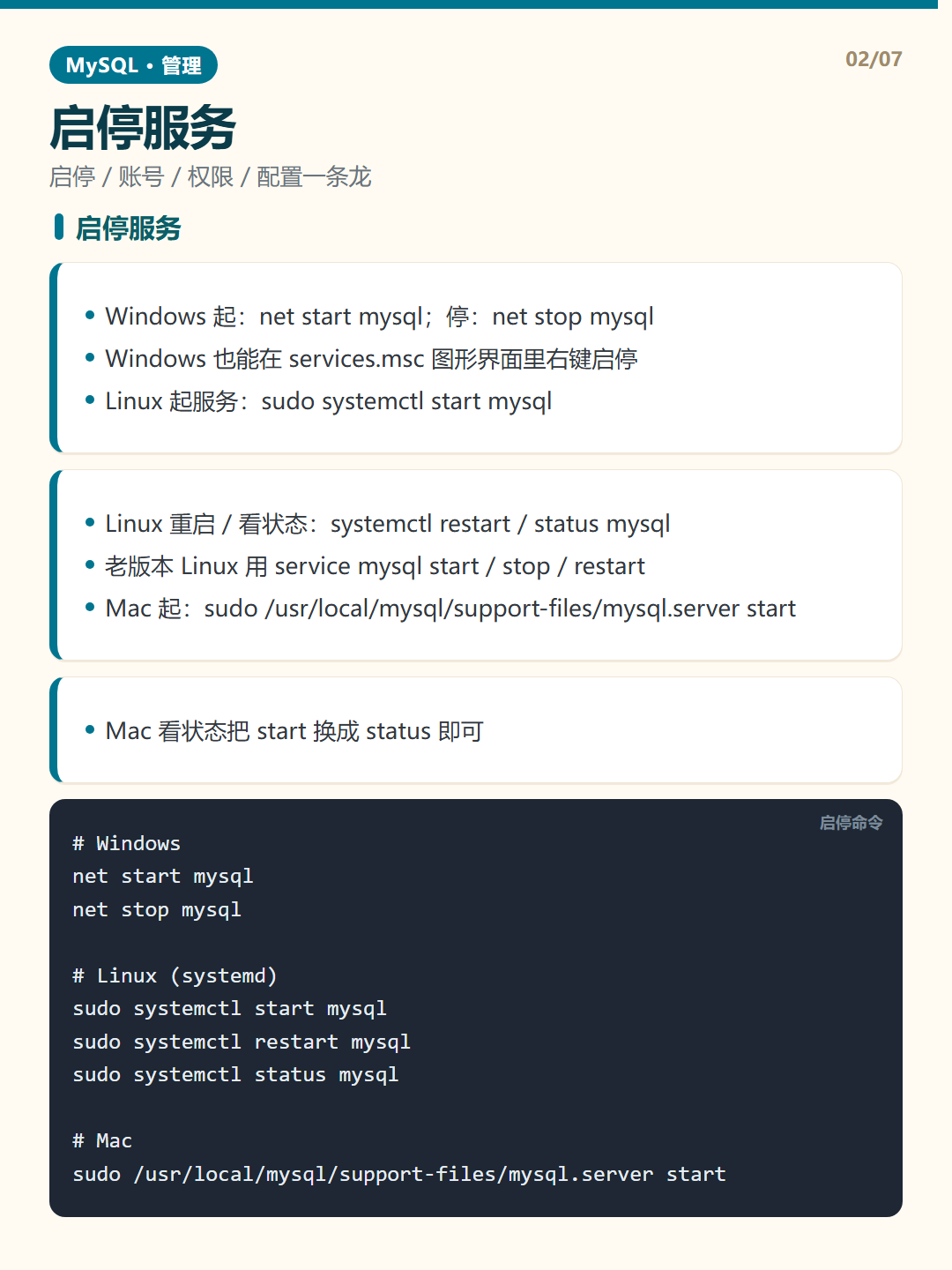
- Windows 起:net start mysql;停:net stop mysql
- Windows 也能在 services.msc 图形界面里右键启停
- Linux 起服务:sudo systemctl start mysql
- Linux 重启 / 看状态:systemctl restart / status mysql
- 老版本 Linux 用 service mysql start / stop / restart
- Mac 起:sudo /usr/local/mysql/support-files/mysql.server start
- Mac 看状态把 start 换成 status 即可
启停服务示例
						# Windows
						net start mysql
						net stop mysql

						# Linux (systemd)
						sudo systemctl start mysql
						sudo systemctl restart mysql
						sudo systemctl status mysql

						# Mac
						sudo /usr/local/mysql/support-files/mysql.server start
避坑提醒:Mac 上那个路径前缀 /usr/local/mysql 会随版本变,脚本找不到时先 ls 实际安装目录确认,别照抄就跑。