事务与上下文要点
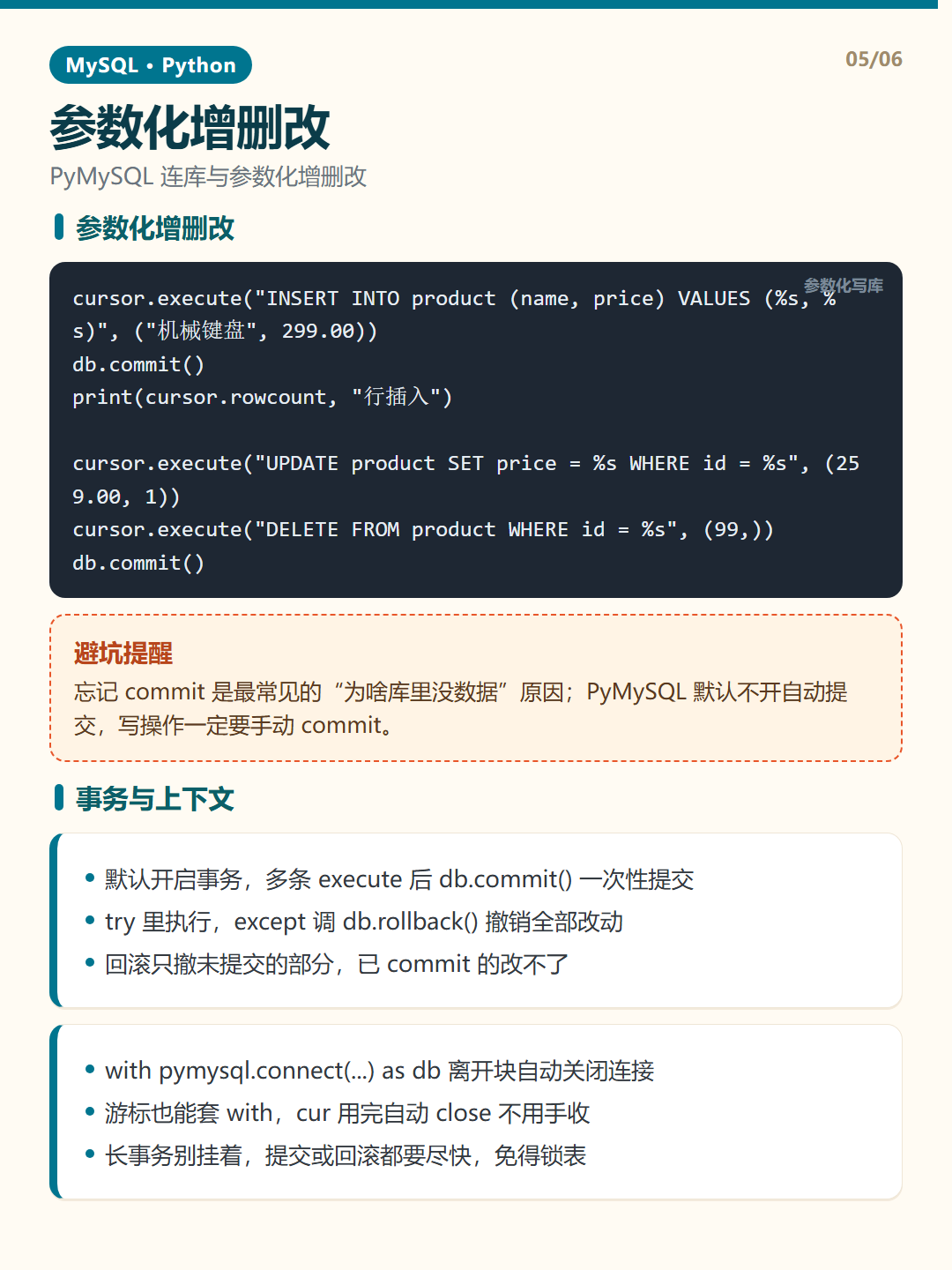
- 默认开启事务,多条 execute 后 db.commit() 一次性提交
- try 里执行,except 调 db.rollback() 撤销全部改动
- 回滚只撤未提交的部分,已 commit 的改不了
- with pymysql.connect(...) as db 离开块自动关闭连接
- 游标也能套 with,cur 用完自动 close 不用手收
- 长事务别挂着,提交或回滚都要尽快,免得锁表
事务与上下文示例
						# 手动事务
						try:
						    cursor.execute("START TRANSACTION")
						    cursor.execute("UPDATE account SET balance = balance - 100 WHERE id = 1")
						    cursor.execute("UPDATE account SET balance = balance + 100 WHERE id = 2")
						    db.commit()
						except Exception as e:
						    db.rollback()
						    print("回滚:", e)

						# with 自动关连接
						import pymysql
						from contextlib import closing
						with closing(pymysql.connect(host="127.0.0.1", user="app_user", password="app_pass", database="shop_db")) as db:
						    with closing(db.cursor()) as cur:
						        cur.execute("SELECT * FROM product")
						        for row in cur.fetchall():
						            print(row)
避坑提醒:with 只负责关闭连接,不负责提交;里面写了写操作却没 commit,退出时改动直接丢,别忘了提交。